
Find a decision
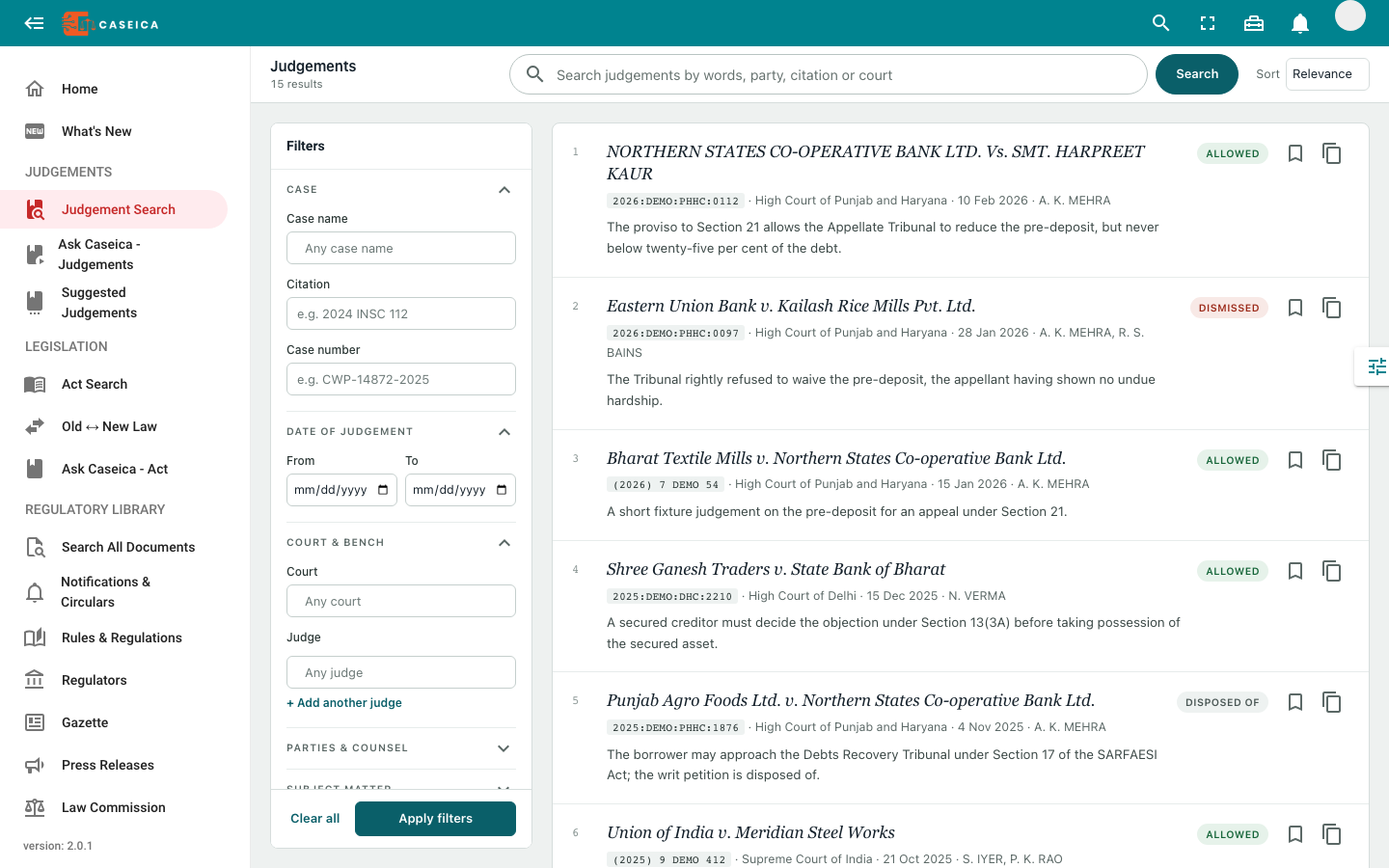
Search by case name, citation, or case number. Use date ranges and court filters to focus the result set.
Begin with a case name, citation, or research question. Narrow the results, open the text, and continue into the connected material.
Case names, citations, courts, dates, parties, and statutory references. Bring the available results into focus.
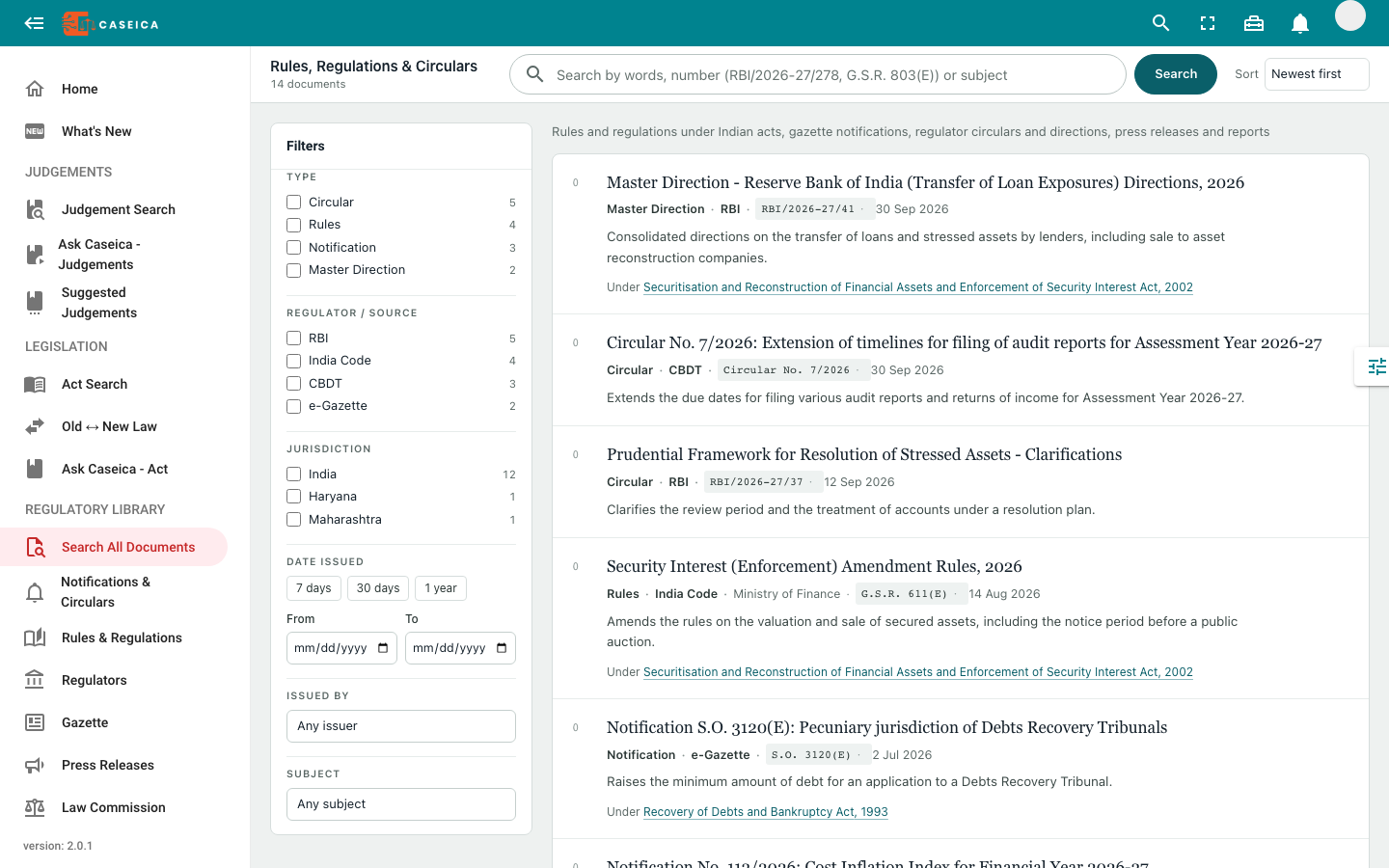
Explore notifications, circulars, rules, and other regulatory material. Inspect the issuer, dates, and available source links.
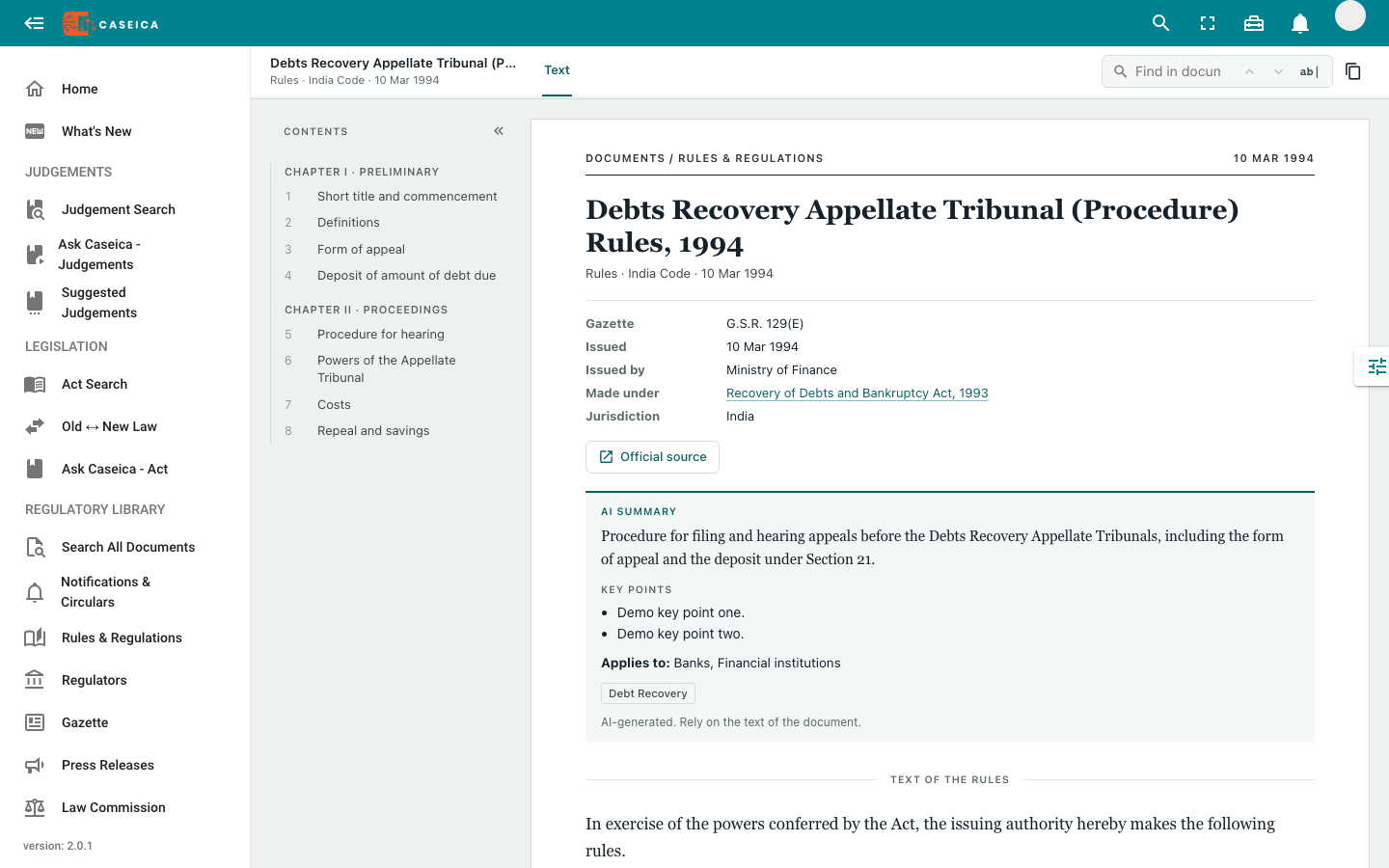
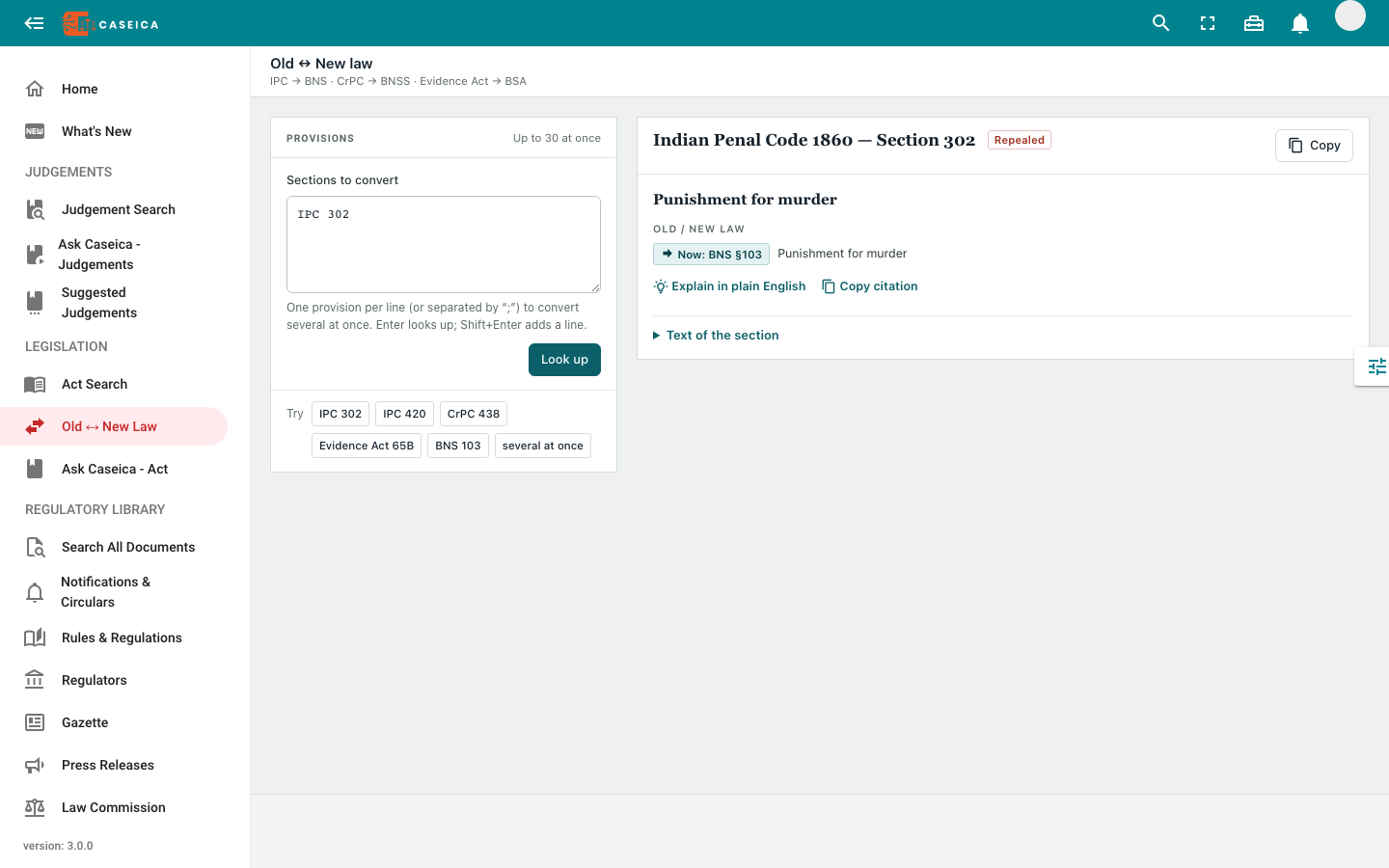
Look up one or several provisions and inspect the available earlier or replacement section mappings. Verify the text and applicable version.
Search by case name, citation, or case number. Use date ranges and court filters to focus the result set.
Filter by judge, parties, counsel, subject matter, or legislative reference where the record contains that information.
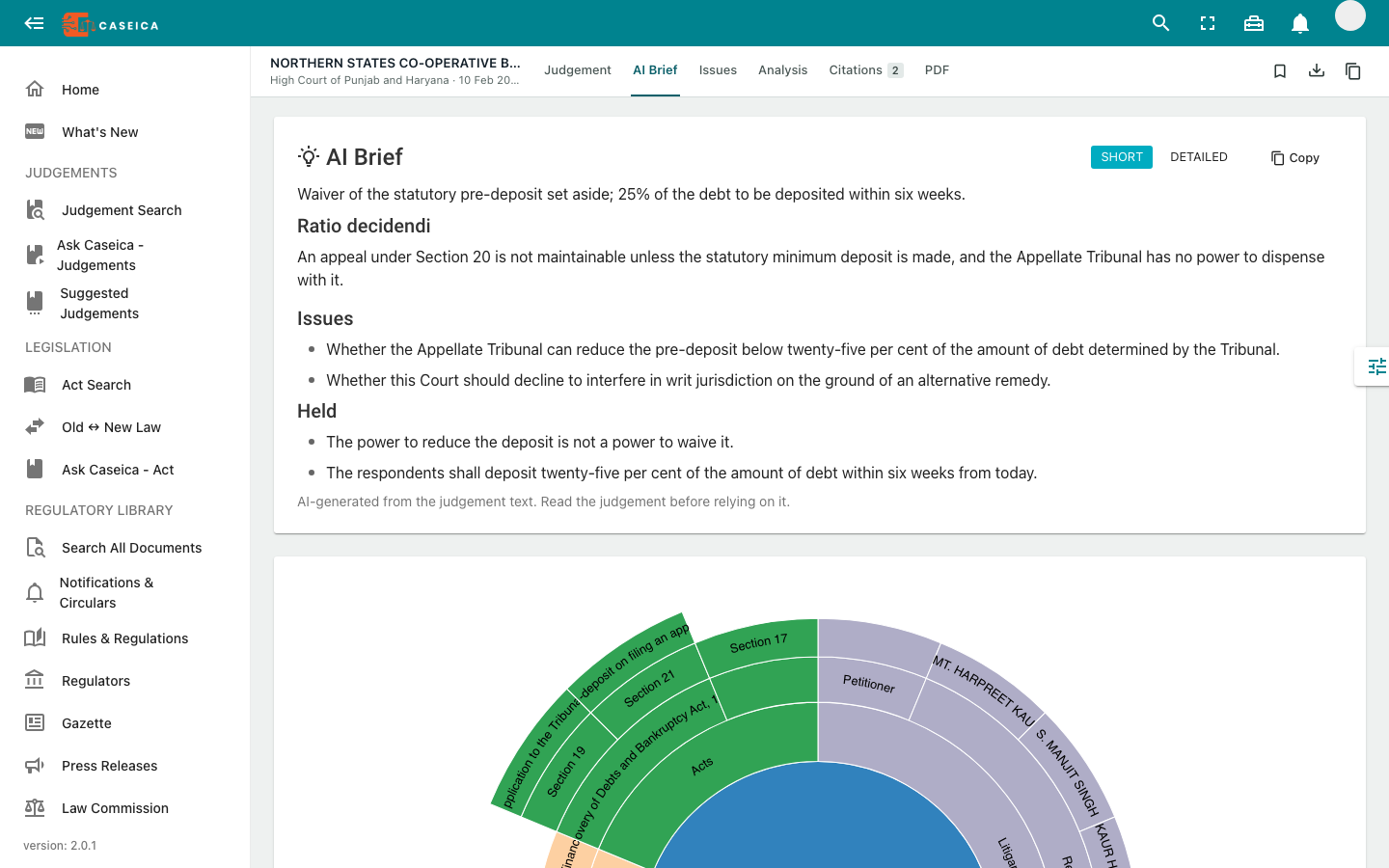
Open the judgment reader to inspect the text and available references. Save useful material to return to your research.
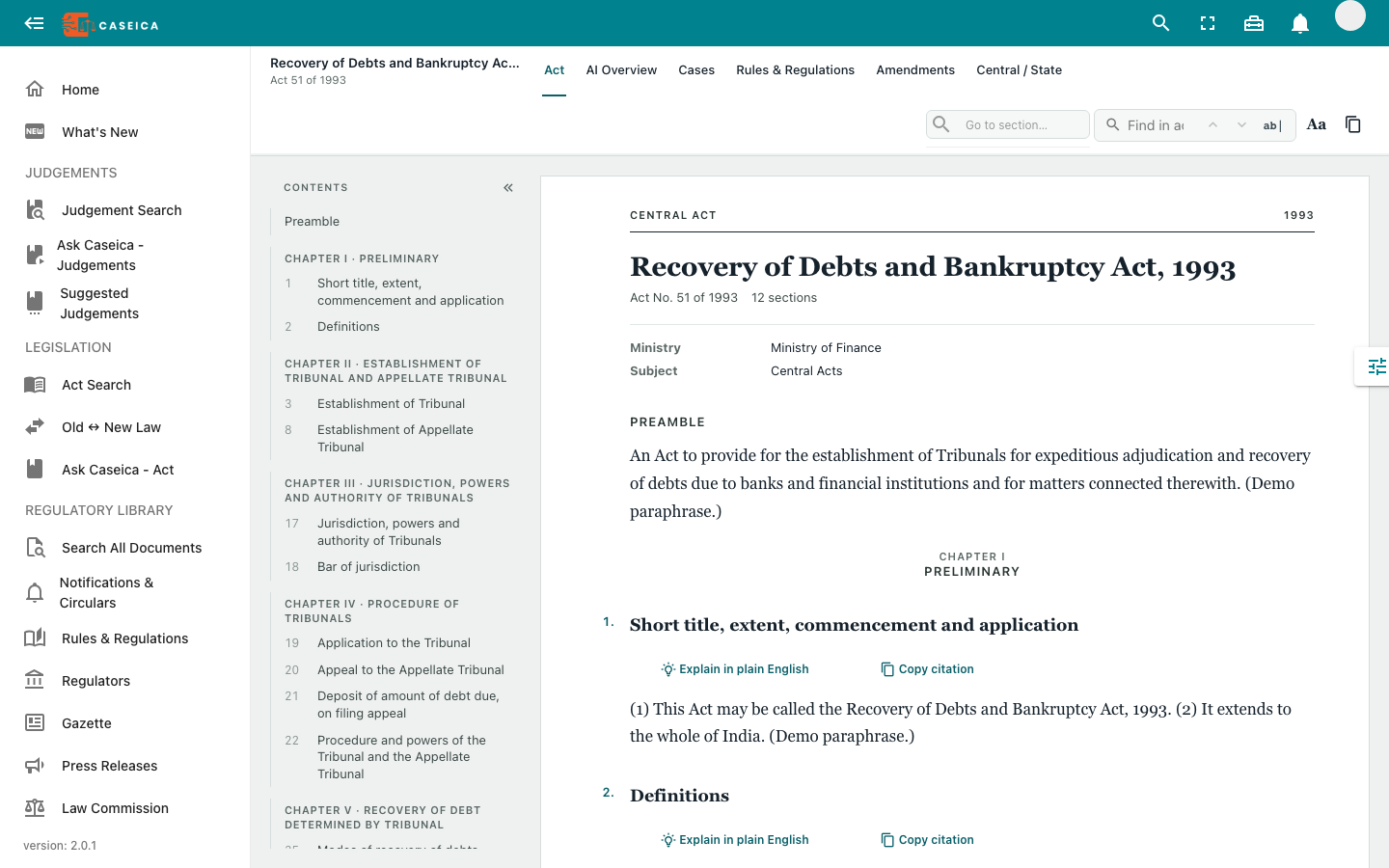
Read an act by chapter or section, inspect its available amendment context, and follow linked rules and regulations.
Contents and section jumps keep the text within reach.
Inspect available relationships and version details.
Follow available notifications, circulars, and linked documents.
Coverage and metadata vary by source. Check the original publication and relevant version before relying on a record.
Look up a provision or a batch of references. Follow the available equivalent-section links and compare the actual text.
Mappings are research aids. They do not establish that two provisions have identical meaning or effect.
Explore available documents by their type, issuer, and date context.
Browse public document previews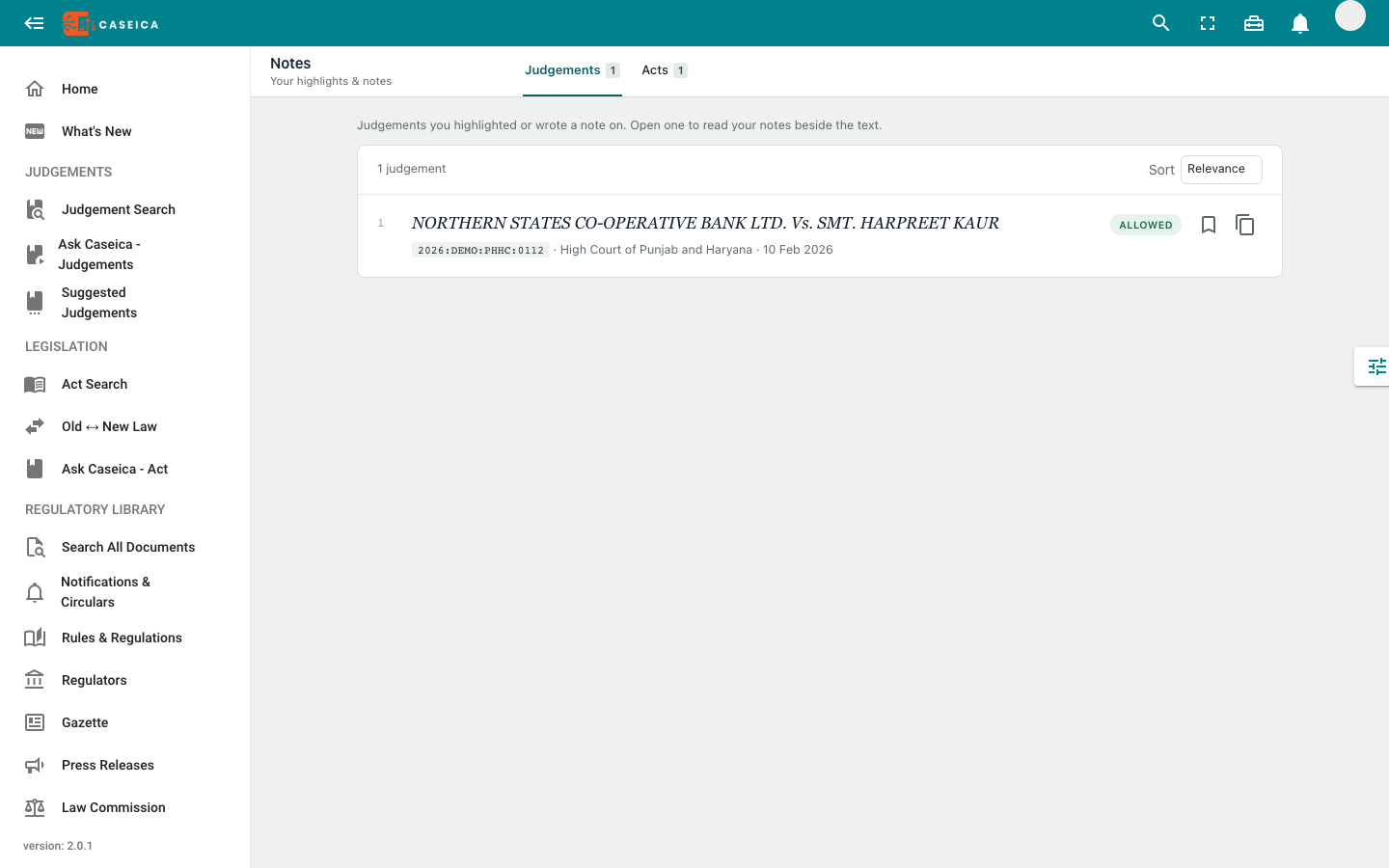
Bookmark useful authorities and return to your highlights and notes.
See the research workflowSee how the available authorities connect.