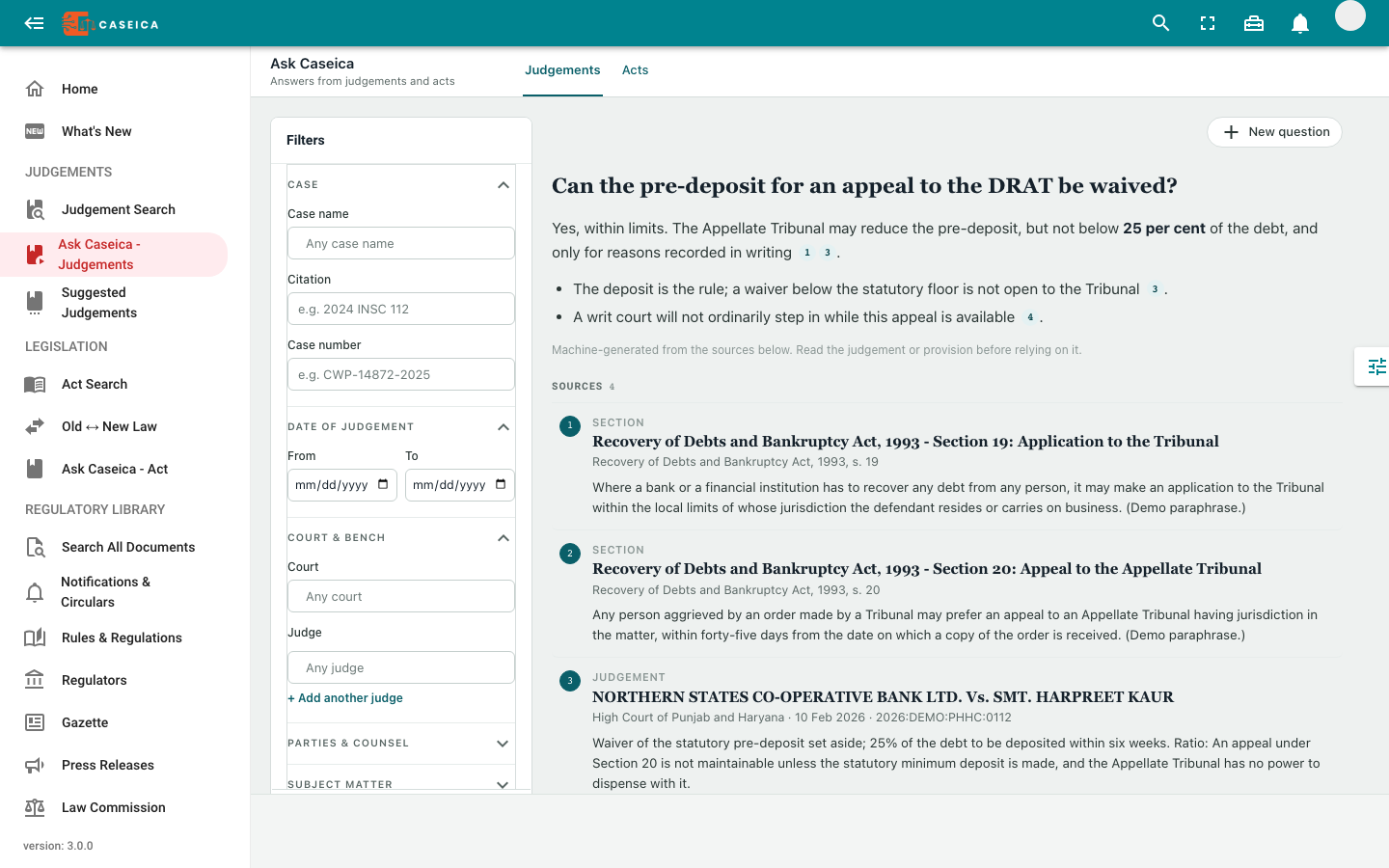
Ask a focused question
Start with the issue you are researching. Available filters help narrow the material used for judgment or legislation research.
Ask Caseica a research question. Use the returned answer and source list to identify judgments and statutory passages worth reading next.
Research with source-linked answers, then inspect the brief, issues, and analysis available for a judgment.
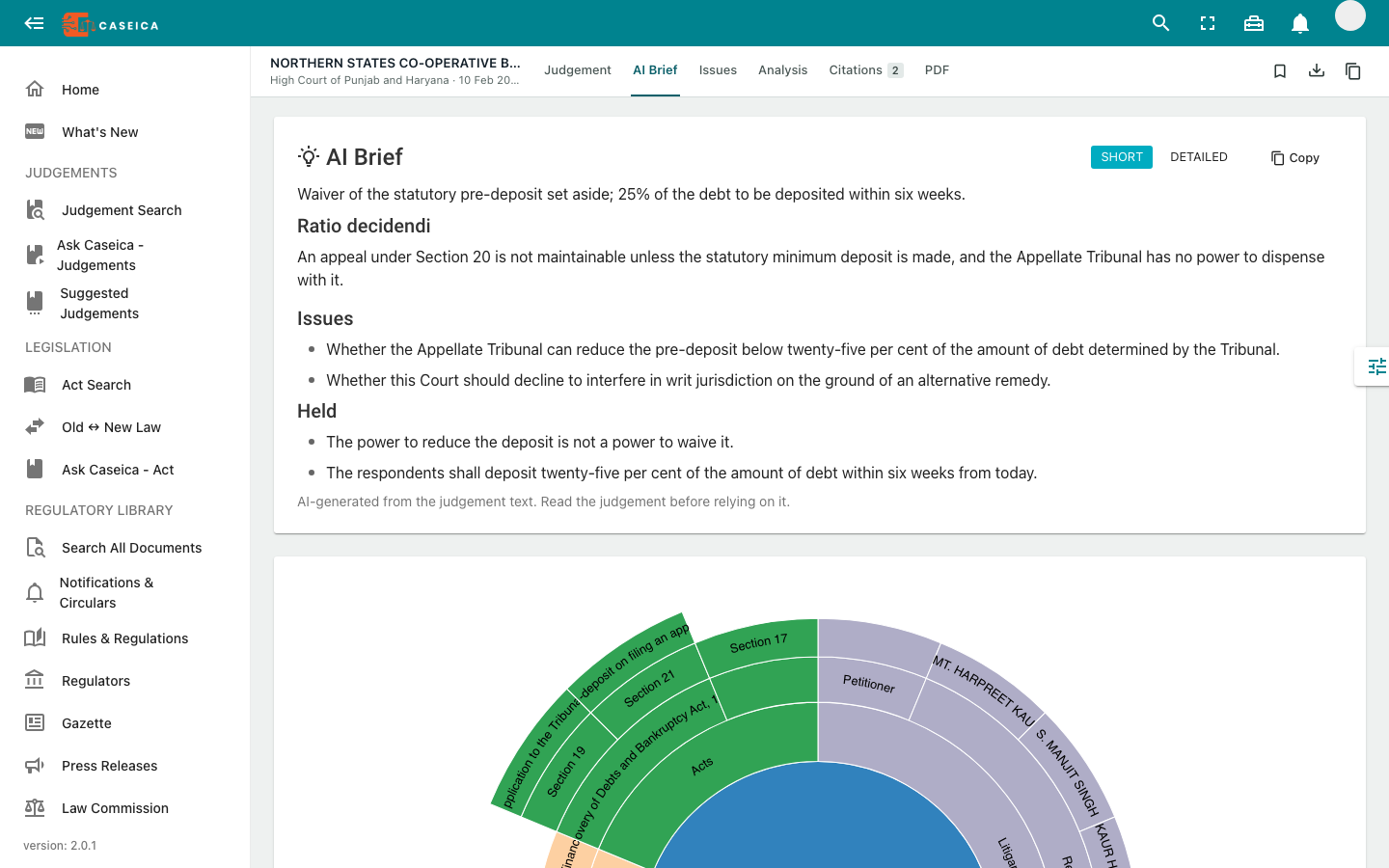
Use available summaries, issues, and reasoning to identify what to read closely. Check each material proposition against the judgment.
The judgment reader provides Issues and Analysis views alongside its AI Brief. Use the available extracted material to guide a closer reading.
Start with the issue you are researching. Available filters help narrow the material used for judgment or legislation research.
Answers can link to judgments and sections. Inspect the accompanying excerpts and identifying details, not only the generated response.
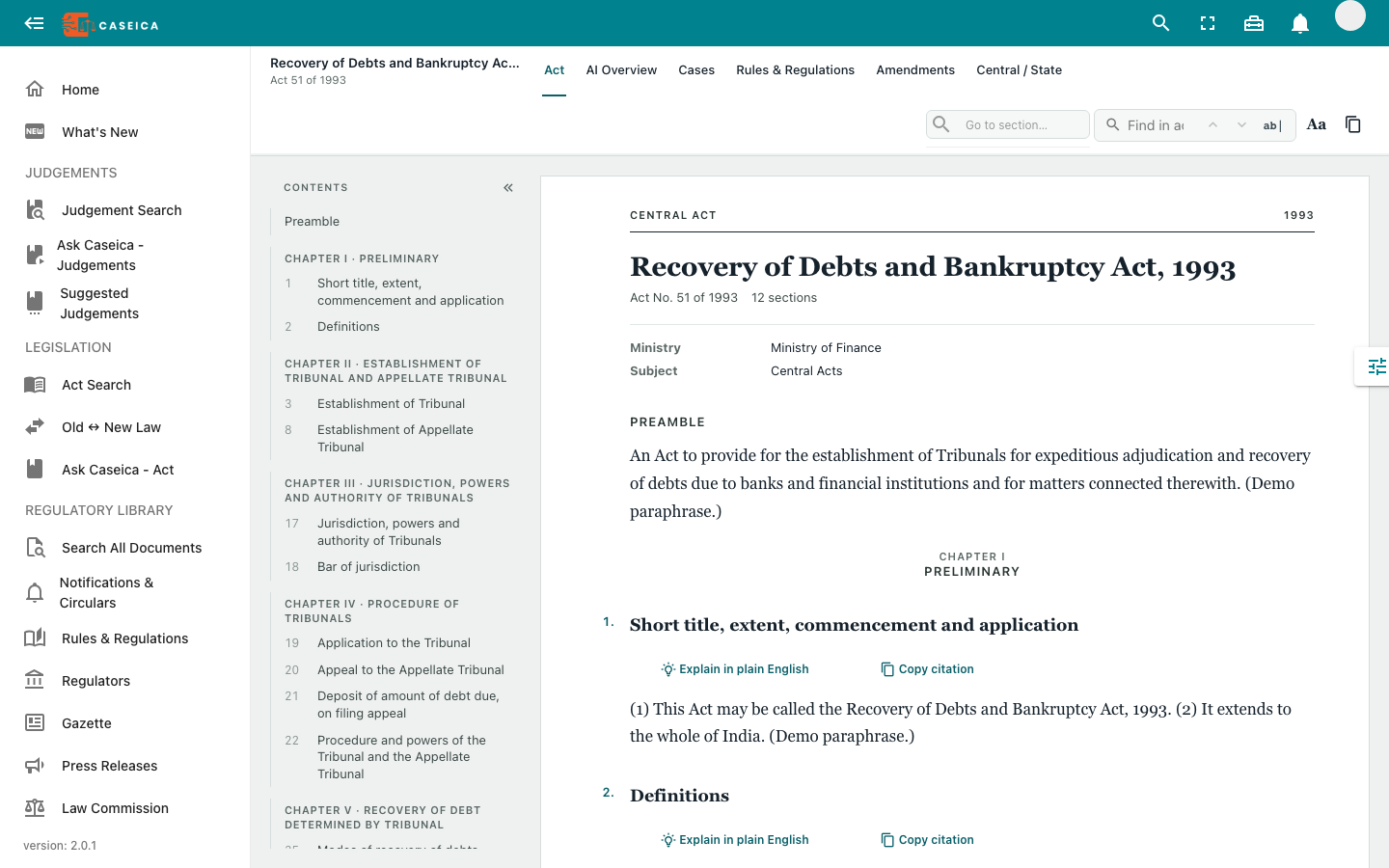
Open the underlying source to check the passage and surrounding context. Compare the facts and law with your research question.
Different views for different questions. Keep the source text as the final point of reference.
Start with the short view or read a more detailed brief when available.
Identify the extracted legal questions and compare them with the judgment.
Inspect available facts, arguments, precedents, and reasoning.
Open the underlying decisions and provisions before relying on an answer.
Generated answers and suggested sources can be incomplete, outdated, or incorrect. Their usefulness depends on the question and the material available.
No promised outcomes. Caseica does not certify the legal correctness of an answer or predict the result of a case. Verify every material proposition against the source and applicable law.
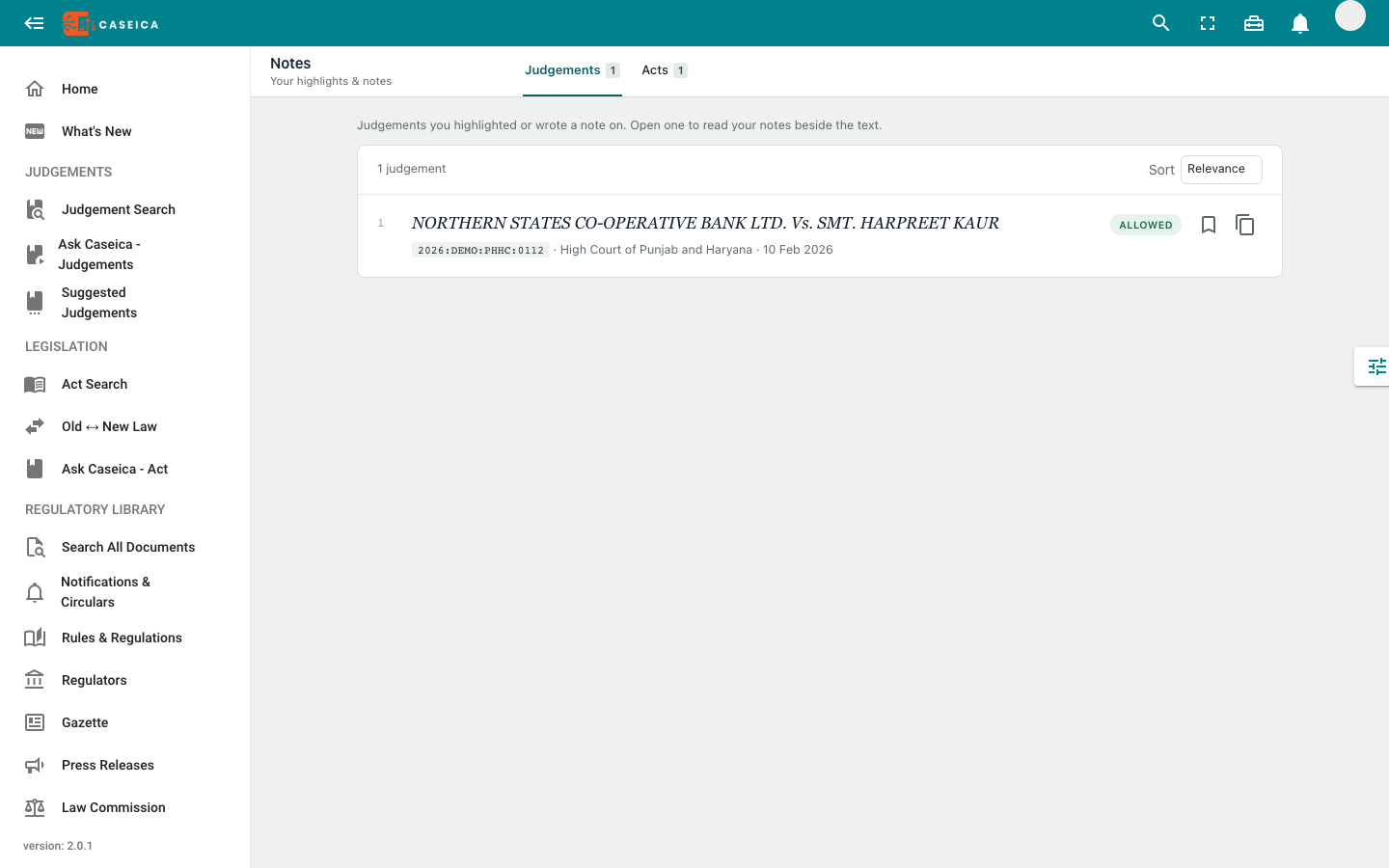
It sits alongside search, legislation, bookmarks, and notes. Move into your CaseDocker workspace using the authenticated product switch when you are ready to continue there.
Discuss research scope and available AI access.